Skip to content

Explore Inttegro

Orders & invoices

Manage orders from creation to fulfillment.

Prepare orders, collect payment and record fulfillment in the Inttegro dashboard or through the API. Keep the customer, items and payment history with the sale, so your team and application can see what is ready to deliver and what still needs attention.

Inttegrated’s Inttegro orders list: customer names, amounts and payment methods, with preparing, awaiting payment, paid and completed orders. Order INT-3232 for Ama Asante is GHS 630, awaiting payment.

The order record

The original sale stays available when you need it.

Look up the customer, items, amount and payment state when preparing a delivery or answering a payment question. Catalog-backed orders preserve the product and price used for the purchase, even after you update the catalog. Your team can inspect that record in Inttegro, and your application can retrieve it through the API.

Build the catalog behind your orders
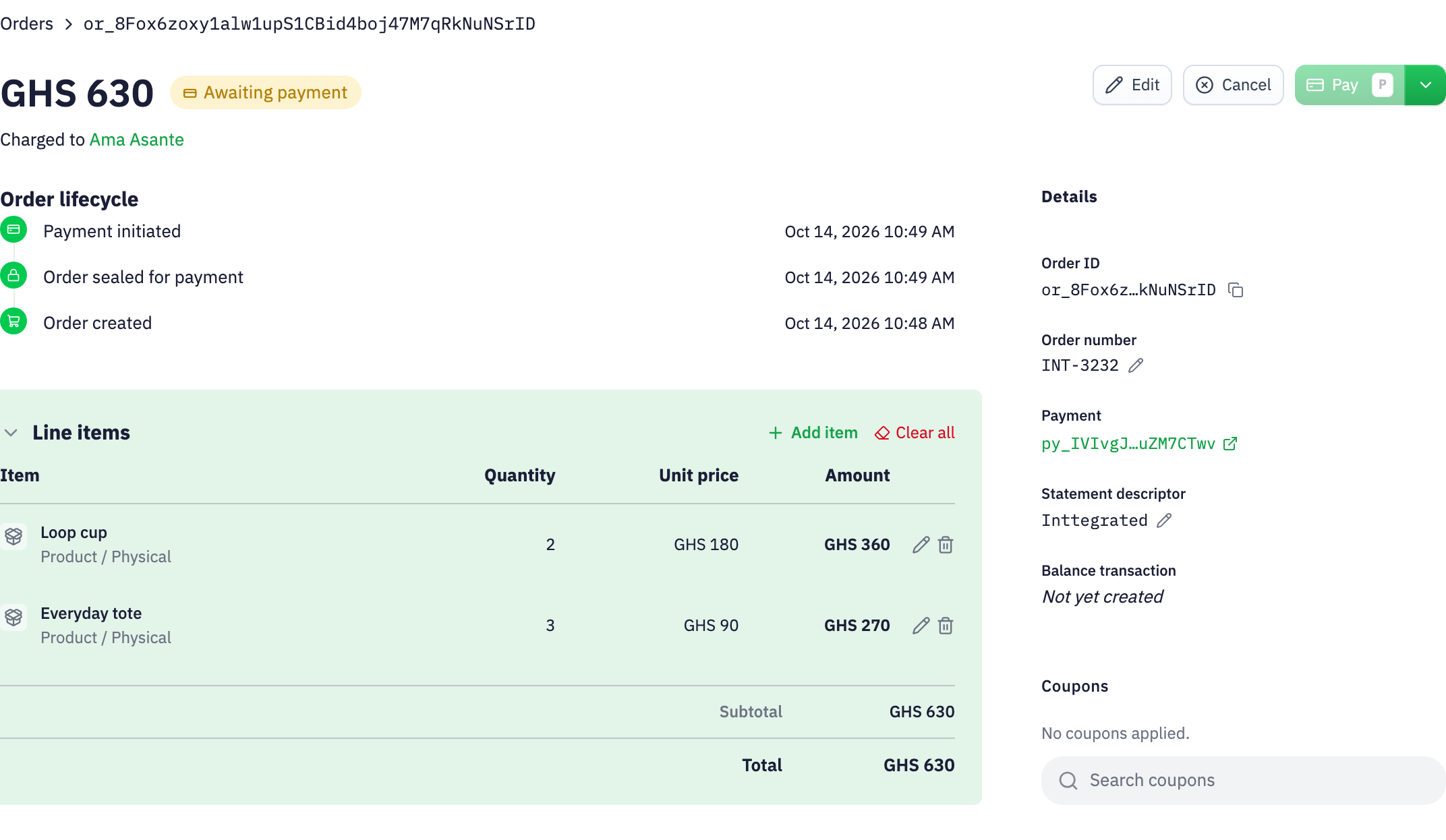
Inttegrated order INT-3232: Ama Asante, two Loop cups at GHS 180 and three Everyday totes at GHS 90. Total GHS 630, awaiting payment; lifecycle and statement descriptor remain visible.

The order lifecycle

Know when to collect payment and when to fulfill.

  1. Prepare the sale

    Assemble the customer and line items in Inttegro or from your backend. Keep the order editable while the details are being agreed, then finalize the amount before presenting it for payment.

  2. Collect payment your way

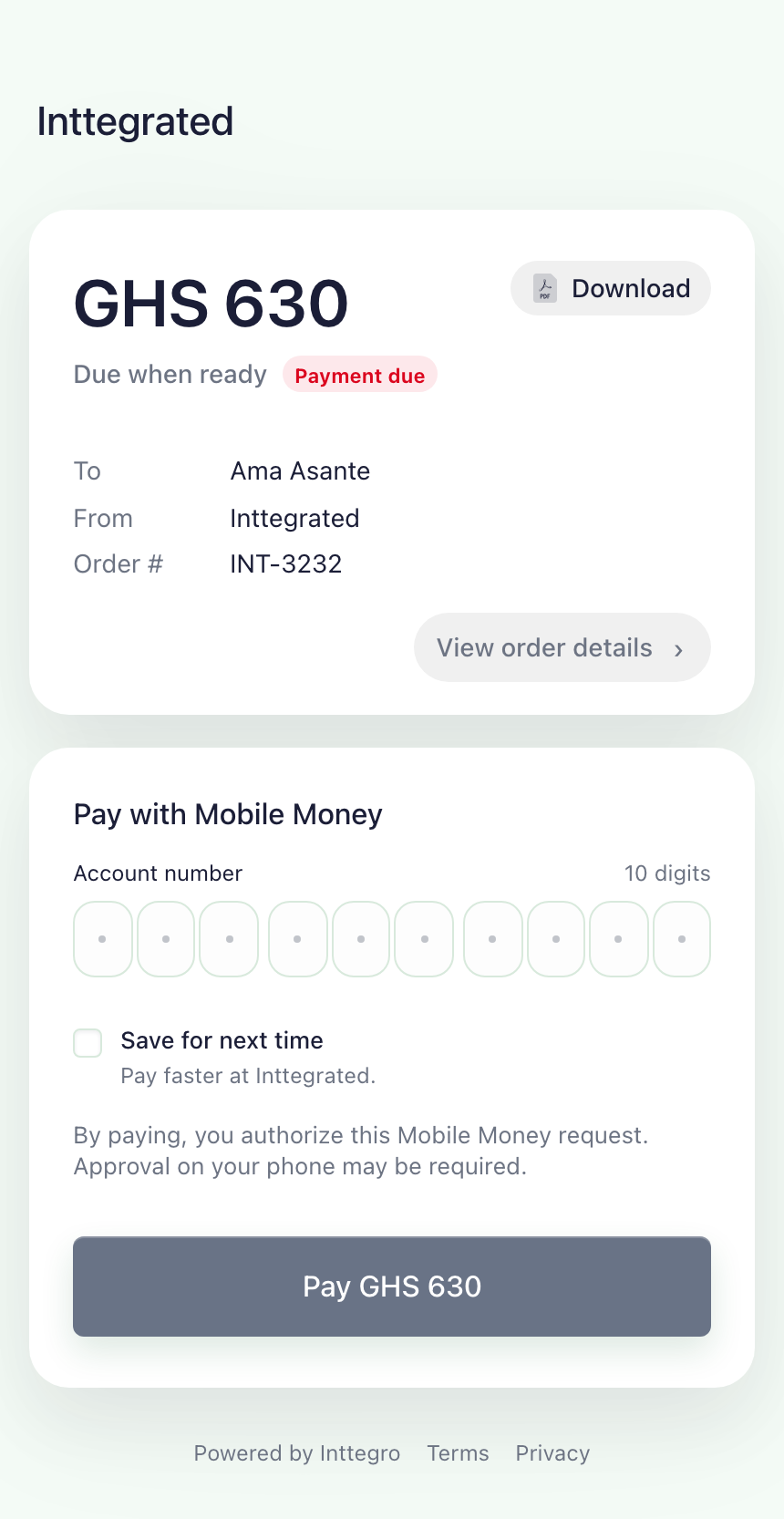
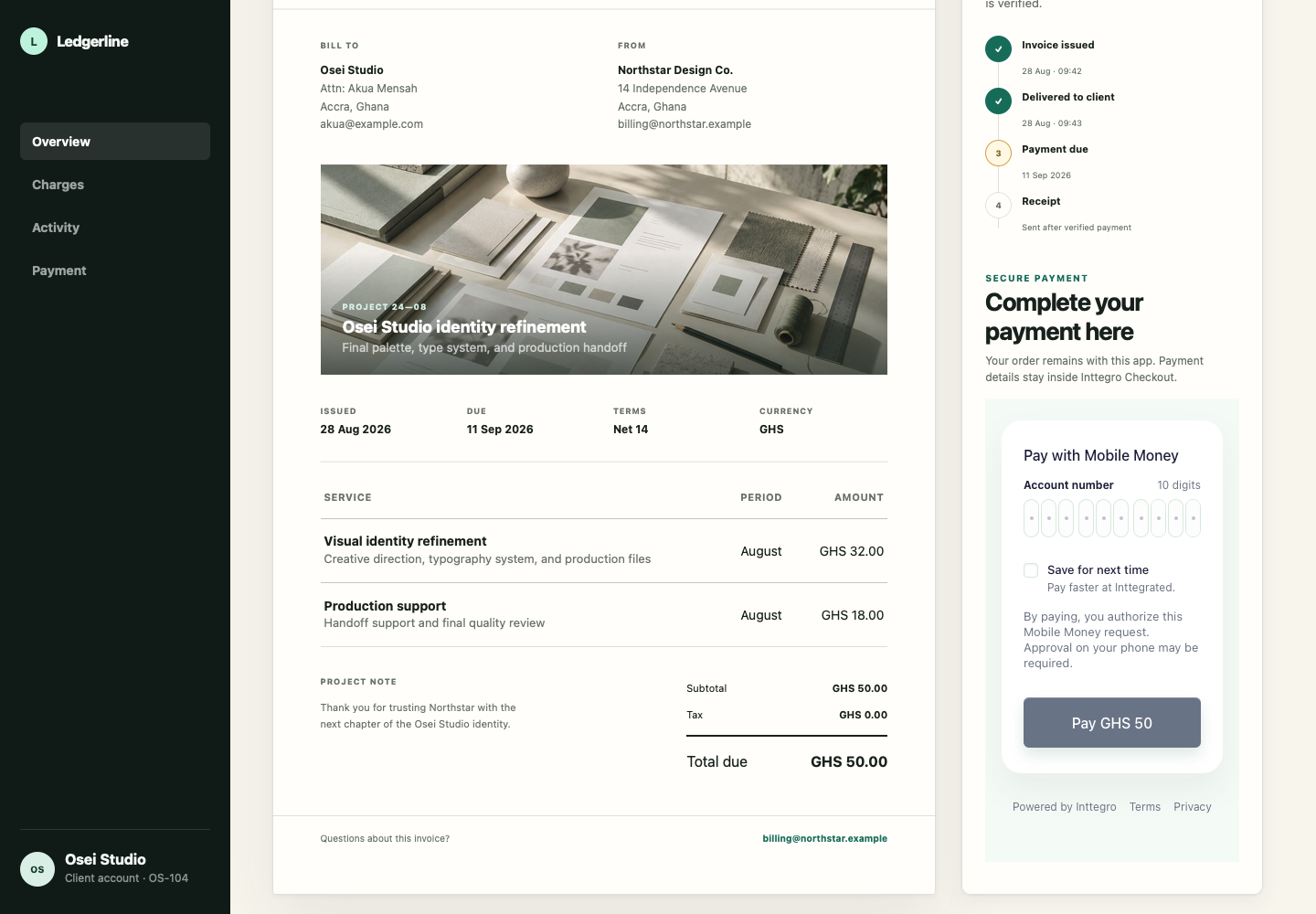
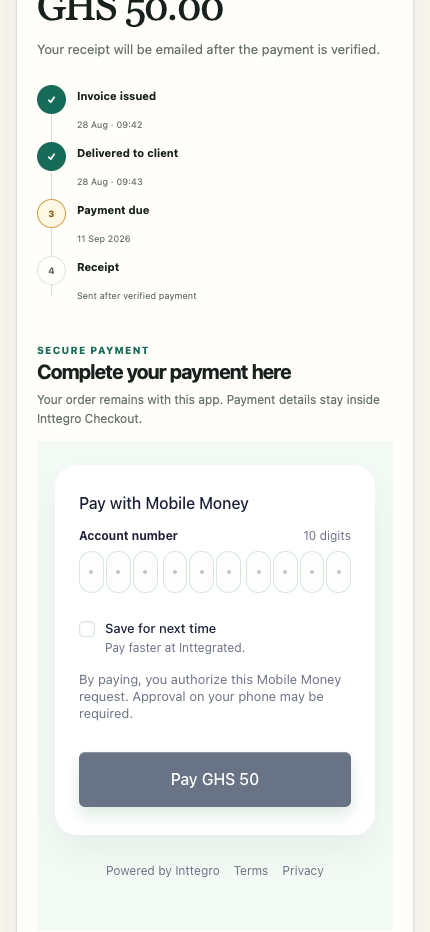
    Share a hosted invoice for a remote sale, or use Checkout in your website or app. Payment attempts and required customer actions remain distinct from a confirmed paid order.

  3. Complete the work

    Read the recorded payment outcome before fulfillment. Mark the order complete when your delivery or service is finished, keeping the sale’s progress available to your team and application.

Refunds

Refund eligible purchases without losing the sale history.

Resolve an eligible return or service issue with a full or partial refund. Choose the paid order lines, record the reason and follow the refund’s progress in Inttegro or through the API. The original sale stays intact, with the refund providing a separate record for customer service and reconciliation.

Explore refunds
Inttegrated sample refund: GHS 180 returned for one Loop cup from a completed GHS 720 order, leaving GHS 540 after refunds. The refund has its own recorded lifecycle.

Full or partial.

Return the remaining refundable amount across all eligible lines, or choose specific lines and amounts.

Requested isn’t returned.

Follow pending, processing and the final outcome. The order remains the record of the original sale.

Check eligibility first.

Refunds need an eligible paid order and sufficient balance. Orders with discounts, taxes, subscriptions or donations aren’t currently supported.

Order analytics

See how your order book changes over time.

Compare revenue, average order value and payment performance across reporting periods. Orders from the dashboard and your API integration contribute to this view, so your team can investigate trends across the business.

Explore analytics
Inttegrated’s Inttegro Orders Analytics, showing seven-day revenue, average order value and revenue retained. Calculated from the same demo order book shown above.

Orders, payments & fulfillment

Bring your sales process into Inttegro.

A sales-assisted order, a Buy link purchase and an order from your own checkout all leave a record your operations team can inspect. Choose which steps your team handles and which your application performs.

Give operations the detail behind the sale

Use Inttegro to prepare orders, review payment states, share invoices and record fulfillment. When a customer needs help, inspect the items, amount and lifecycle on the original order. Eligible refunds remain linked to that sale instead of changing its history.

Build the order lifecycle into your product

Create orders from your backend, finalize the amount for payment and choose a hosted invoice or SDK-based checkout. Read the recorded payment outcome before fulfillment, then mark the order complete when your work is done. Your operations team can inspect those orders in Inttegro without a separate set of records.

Explore the documentation

Orders & invoices

Before you get started

Which payment experience should I use?

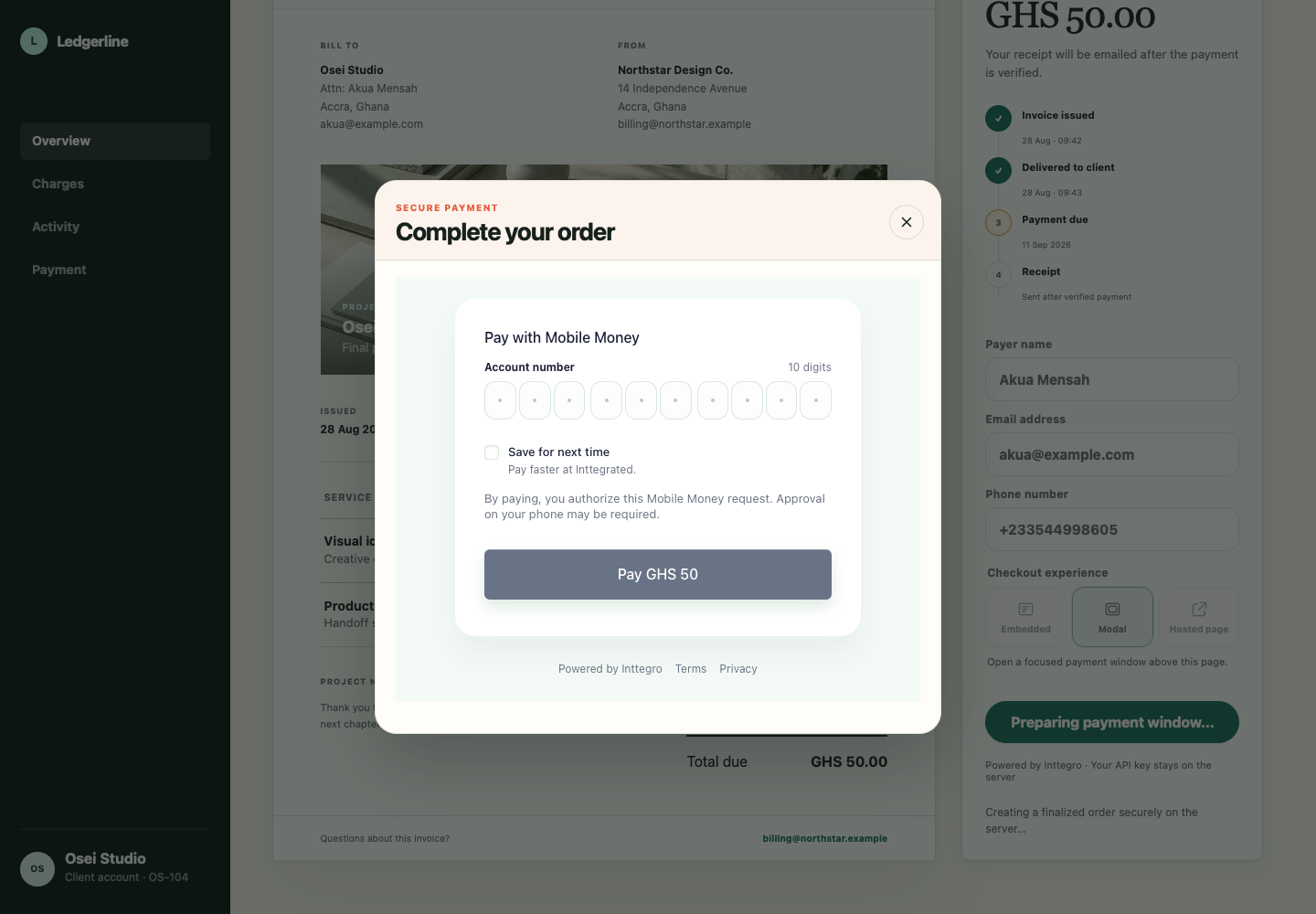
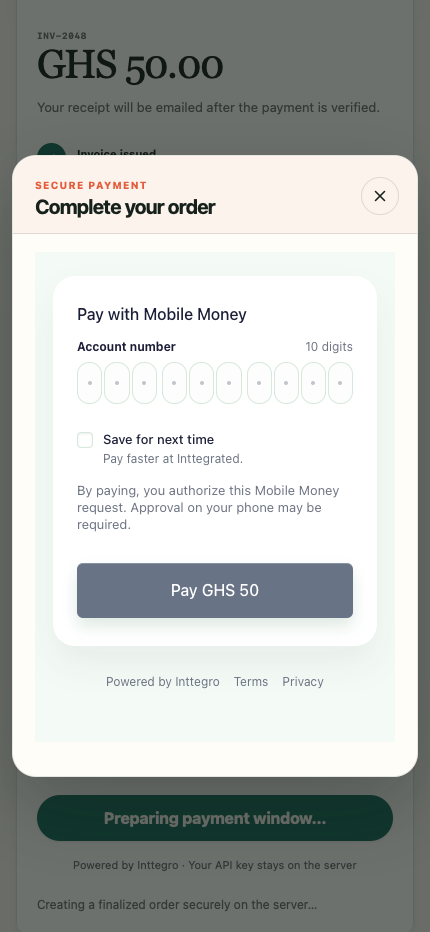
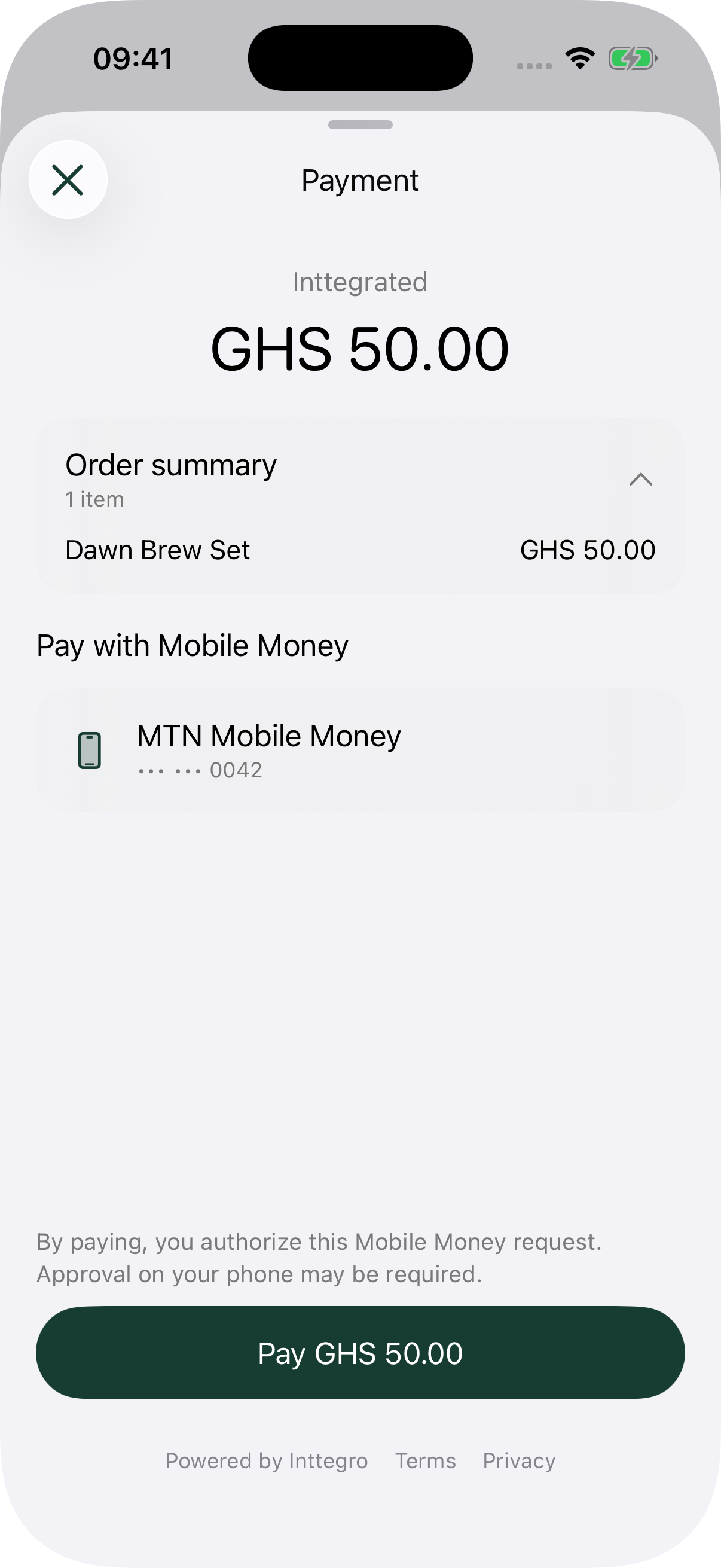
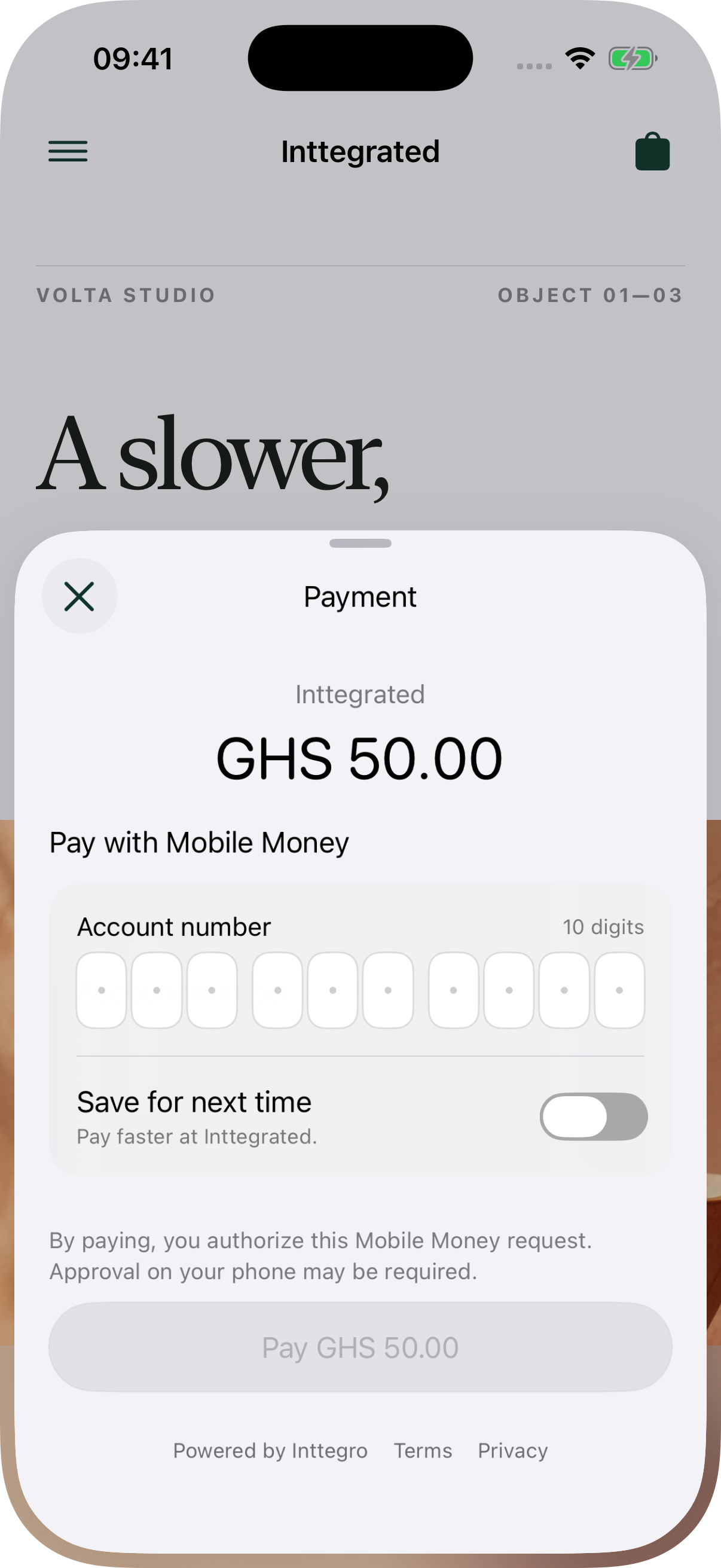
A hosted invoice gives customers a link to review and pay an existing order without you building payment UI. Web Checkout can be embedded in your page or opened in a modal. Mobile SDKs are publicly available and bring native mobile-money payment sheets to your app. Available payment methods depend on account setup.

What is the difference between paid and completed?

Paid means money has been collected. Completed means your business has recorded fulfillment. Finalizing an order makes its amount ready for payment; it does not collect the money. Keeping these states distinct helps your team and application decide what work remains.

Can I issue a partial refund?

Yes, for eligible paid orders you can refund selected line items and amounts, up to what remains refundable, to the original payment method. Refunds need sufficient balance and process asynchronously. Orders containing discounts, taxes, subscriptions or donations are not currently supported by the refund endpoint.

Can I send invoices and receipts?

Finalized orders can provide a hosted invoice and a PDF invoice. Use the invoice when the customer still needs to pay, and a receipt after payment succeeds. Both relate to the order, keeping the amount and customer context tied to the original sale.