Use the dashboard
Publish offers, review paid orders and contact buyers from Inttegro. Your team can provide access through the delivery tools it already uses, then record completion.
Start for freeCreators & digital businesses
Turn a digital product or paid service into an offer customers can review and pay for. Inttegro provides catalog, Buy links, Checkout and order records while you keep control of the content and its delivery. Use the dashboard to handle sales directly or connect payment to your own website through the API.
Start selling digital products for freeInttegrated
A downloadable collection of presentation and social-post templates. Access is provided by the seller after payment is confirmed.
GHS 180.00A digital-product sale
A creator selling a downloadable design pack can use Inttegro for the offer and payment, then provide access through their own system.
Describe the digital work and choose its price before sharing the offer.
Check the order’s recorded payment rather than relying on a return-page visit.
Your team or integration sends the download or access instructions and records fulfillment.
Your offer
A downloadable resource, recorded course or paid service needs an offer the customer can understand. Use your catalog to describe what is included, add supporting media and attach a price. A Buy link lets you share that offer from your website, newsletter or social channels without building a new storefront.
Fixed prices give every buyer a defined amount. Where enabled for your account, customer-selected pricing can offer suggested amounts and minimum or maximum limits. Choose the model that fits the product, rather than leaving the payment amount ambiguous.
Explore product pricing
Payment experience
Start with a hosted Buy link when you want to publish an offer quickly using the dashboard. If your website already presents the product, your integration can prepare the order and send the customer to its hosted invoice, or show Checkout embedded in the page or in a modal.
Whichever surface you choose, the purchase produces an order your team can inspect. Keep the customer, purchased items and recorded payment together, so answering a purchase question does not depend on finding an old message or payment screenshot.
Explore payment surfaces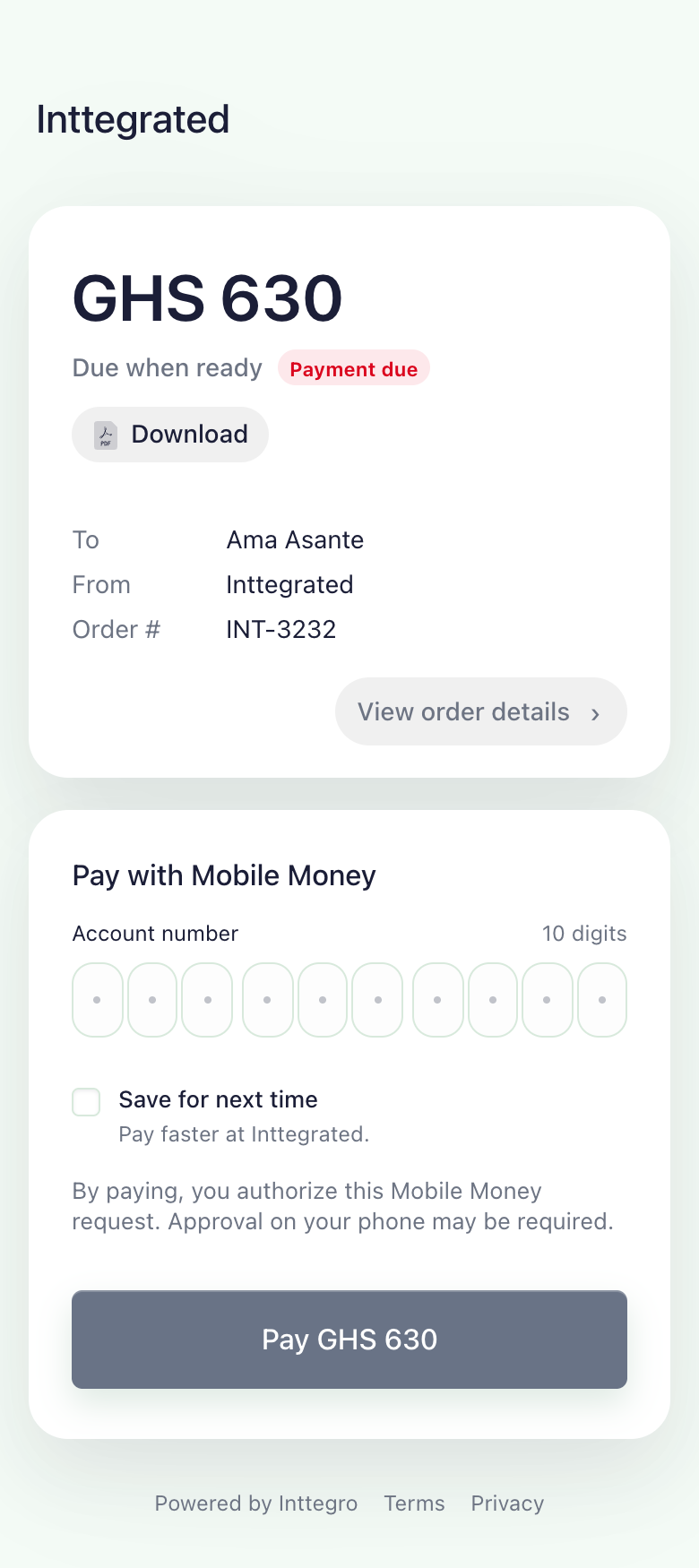
After payment
Your content platform, website or team remains responsible for providing the purchased file or access. Inttegro gives you the order and payment record to make that decision: check the recorded paid state, perform your fulfillment action and mark the order complete when the purchase has been delivered.
Use customer messages to explain access or answer follow-up questions, and inspect order analytics to understand sales. Listing a digital product does not automatically host its content, issue a software licence or grant access to a course; connect those actions deliberately in your own workflow.
Explore the order lifecycleIllustrative workflow
Your backend checks the order’s recorded paid state.
Your team or system supplies the file or access instructions.
Mark the order complete after fulfillment.
Publish offers, review paid orders and contact buyers from Inttegro. Your team can provide access through the delivery tools it already uses, then record completion.
Start for freeKeep the order ID with your purchase record. Look up its payment state from your backend before granting access, and make your fulfillment action safe to repeat without issuing duplicate access.
Read how to look up an orderNo. Catalog details can describe a digital download or online-access product, but your team or integration provides the content and access instructions. Do not treat a product listing or checkout redirect as a completed delivery.
Customer-selected prices are supported where enabled for the account and product. They use a currency, a minimum amount, optional maximum and suggested amounts. Confirm availability for your setup before advertising that pricing model.
The sales flow shown here covers individual purchases. Saved payment methods or reusable offers do not, by themselves, provide scheduled renewals, membership access or cancellation management. Those requirements need a separately verified integration.
Prepare the offer and choose a payment experience. Keep content delivery in your workflow, with Inttegro’s order record as the link to the sale.