Use the dashboard
Maintain your range, create Buy links, send invoices and review orders in Inttegro. Your sales and support teams can work with the same purchase history without building an internal interface.
Start for freeOnline retail
Inttegro connects your catalog, checkout and order records so your team can follow a sale beyond the payment. Maintain products and prices in the dashboard, share offers through Buy links or connect your own storefront through the API, then manage customer questions, fulfillment and eligible refunds against the original order.
Start selling online for free
A retail sale in practice
For a homeware retailer, the same catalog item can support a shared offer and an order the team knows how to fulfill.
Choose the product, price and quantity limits for the sale.
Let the customer review the offer and pay through Checkout.
Check the recorded payment, arrange delivery and mark the order complete.
Products & offers
Your product describes what you sell; its prices define how much you charge. Keep those records separate so a new price does not mean another copy of the same item. Add product details, imagery and variants, then choose the price your order or Buy link should use.
Discounts, coupon codes and scheduled promotions let your commercial team prepare offers alongside the range. The dashboard and API work with the same catalog, while existing orders retain the details recorded when the customer bought.
Explore catalog & offersCustomer checkout
A product launch in a social post can lead to a Buy link. A sale agreed with a customer can lead to a hosted invoice. Your own storefront can create orders through the API and use hosted, embedded or modal Checkout, without making your team learn a different order system for each channel.
Choose the experience that fits the sale. Customers review what they are paying for; your team returns to the resulting order to check payment and decide what needs to happen next.
Compare payment experiences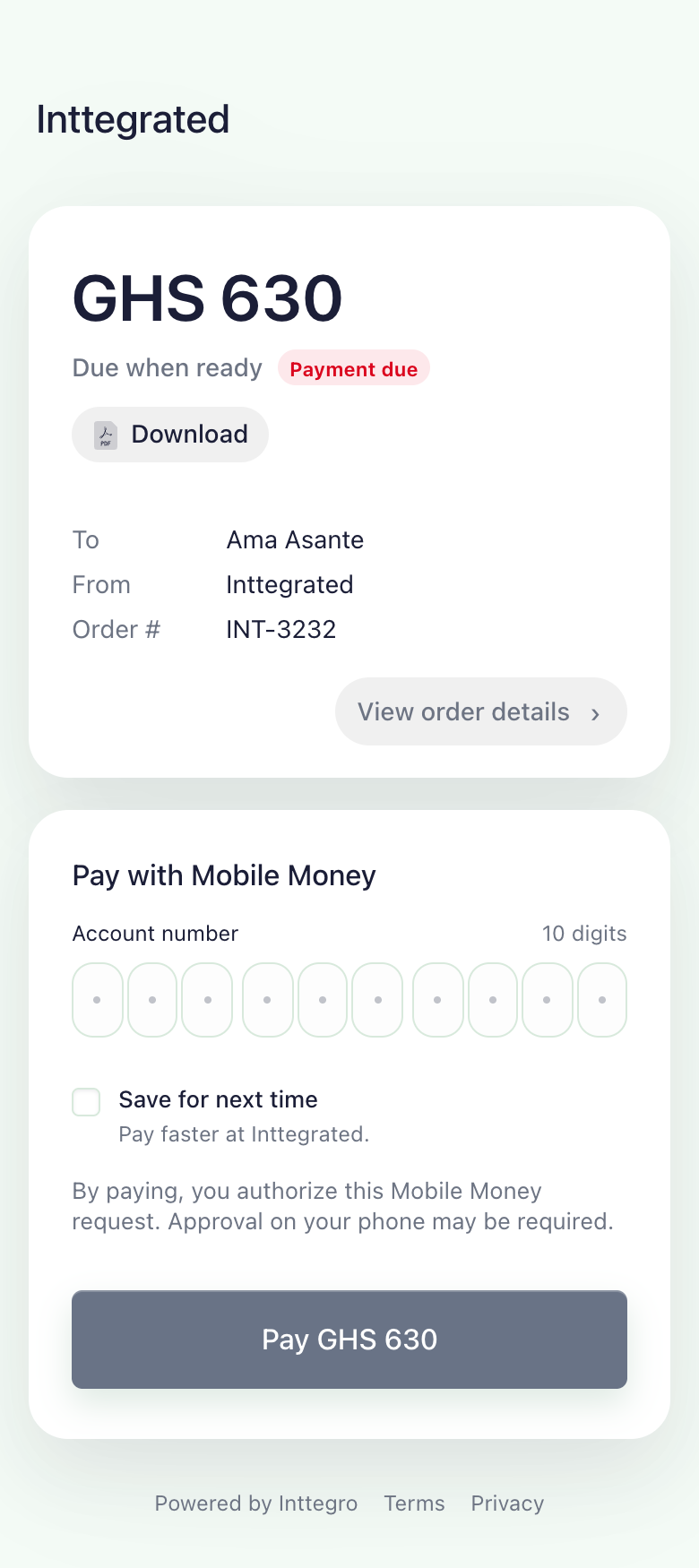
After the sale
A paid order still needs to reach the customer. Inttegro distinguishes payment from completion, so operators can tell which sales are waiting for payment and which still need fulfillment. Open the order when a customer asks about an item, check the history and record completion when your work is done.
Eligible full or partial refunds remain linked to that purchase rather than replacing its history. Product and order analytics help you compare what sold and where payment conversion changed. Stock control, shipping labels and carrier delivery remain with your fulfillment tools.
Explore order operations
Maintain your range, create Buy links, send invoices and review orders in Inttegro. Your sales and support teams can work with the same purchase history without building an internal interface.
Start for freeConnect your storefront to catalog and order records. Create orders on your backend and check their recorded payment state before your fulfillment system releases goods.
Read the catalog integration guideNo. You can prepare a product and price in Inttegro and share a hosted Buy link. If you already know the customer's order, prepare it in the dashboard and share its hosted invoice instead. Available payment methods depend on your account setup.
Inttegro records product, customer, shipping and fulfillment information associated with an order. It does not replace your inventory system, carrier or warehouse workflow. Your team or integration coordinates delivery and records completion afterward.
Refunds depend on the original payment, remaining refundable amounts and available balance. The current refund endpoint does not support orders containing discounts, taxes, subscriptions or donations. Review those restrictions when designing your returns policy and promotional offers.
Prepare your catalog and choose how customers reach checkout. Your team can manage the resulting orders in Inttegro as your sales channels grow.