Handle a return or correction.
Issue an eligible full or partial refund against the paid order. Keep the reason and refund outcome connected to the original sale.
Explore refundsPayments
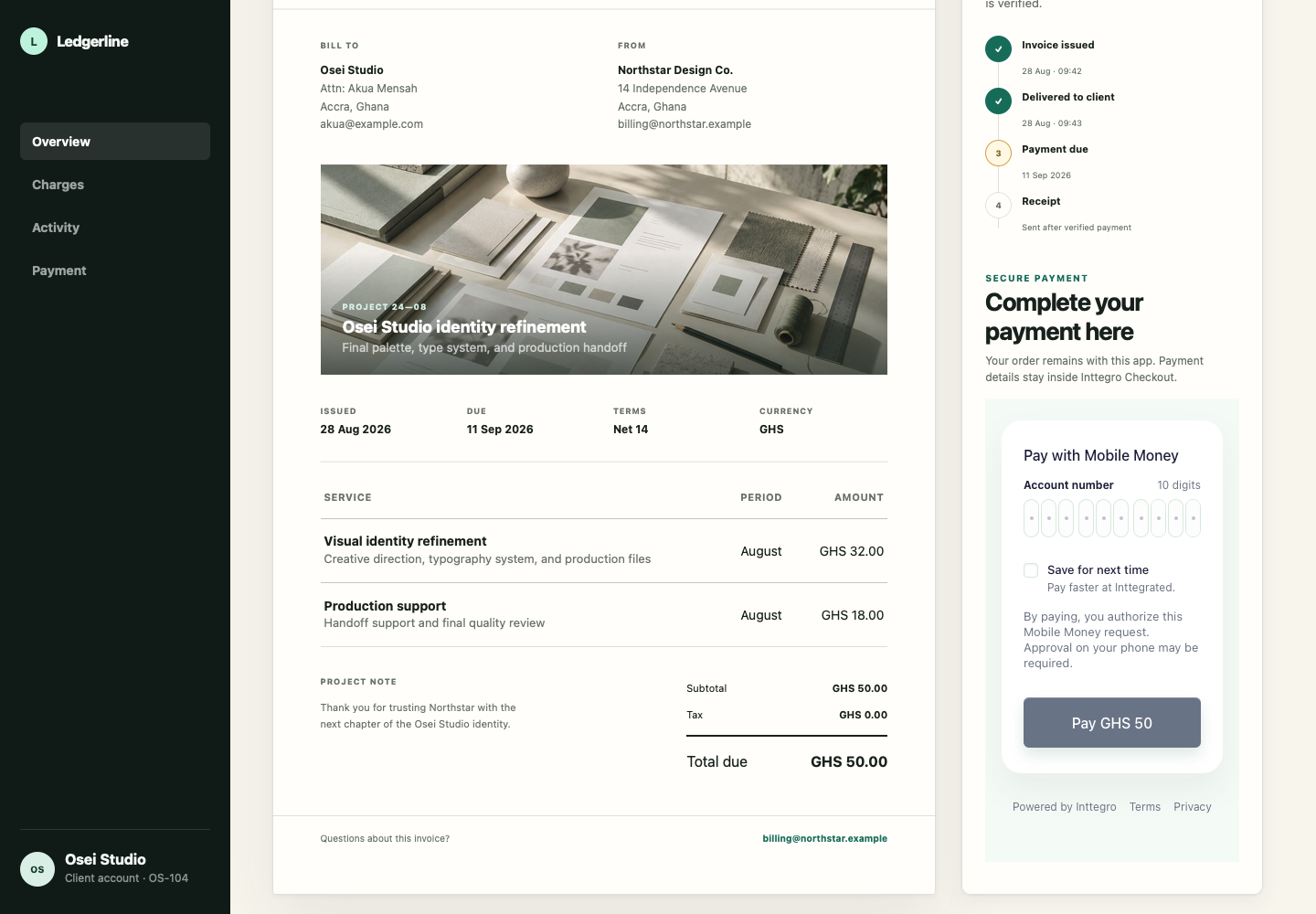
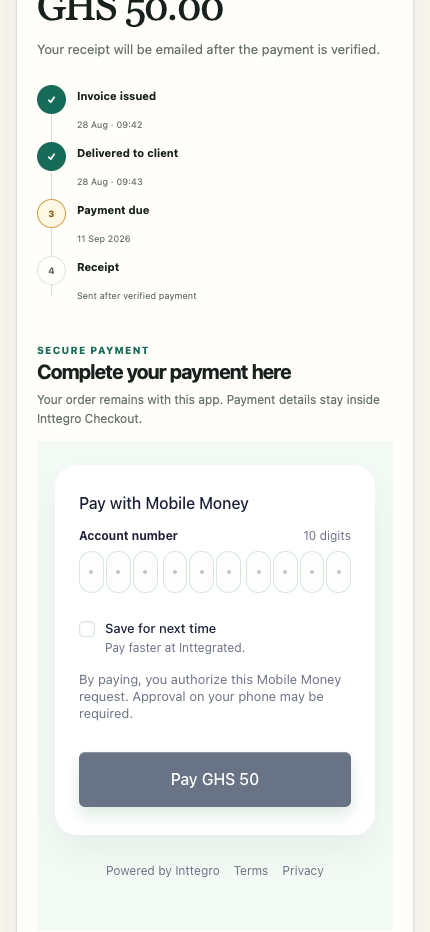
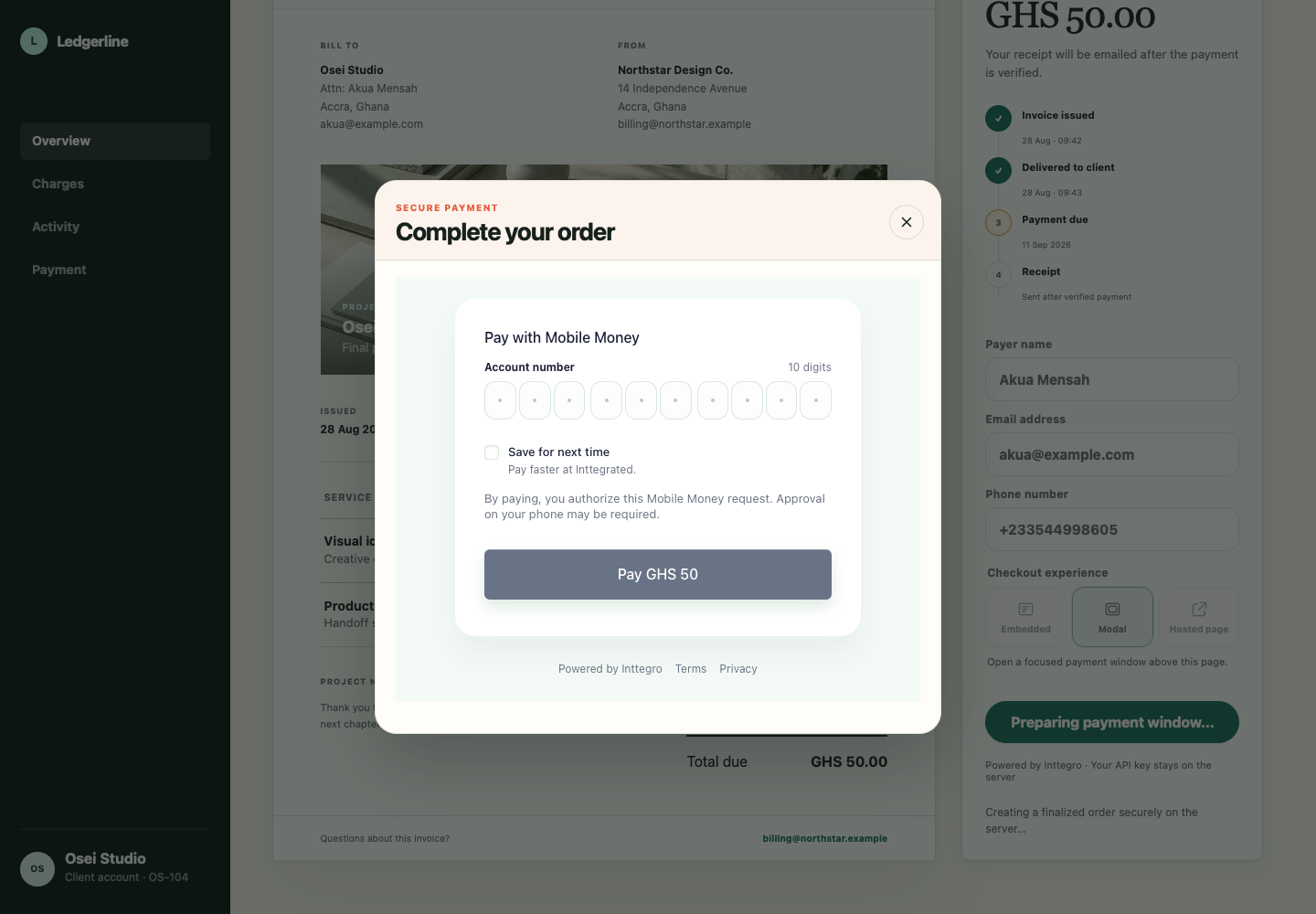
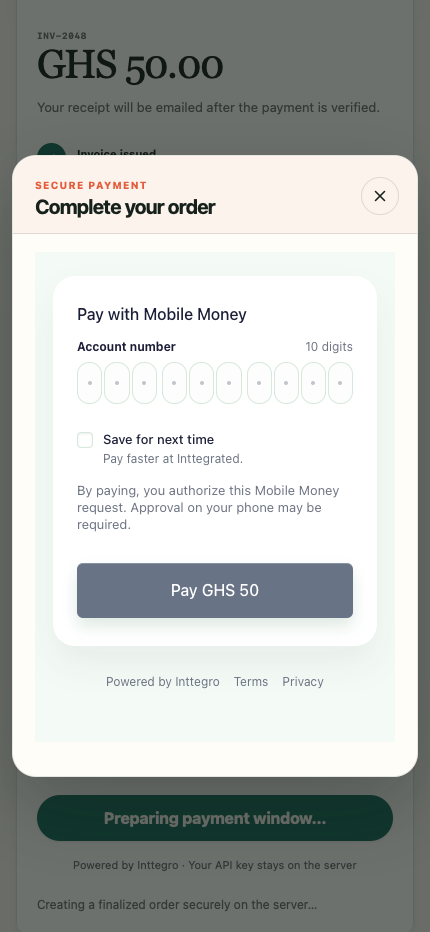
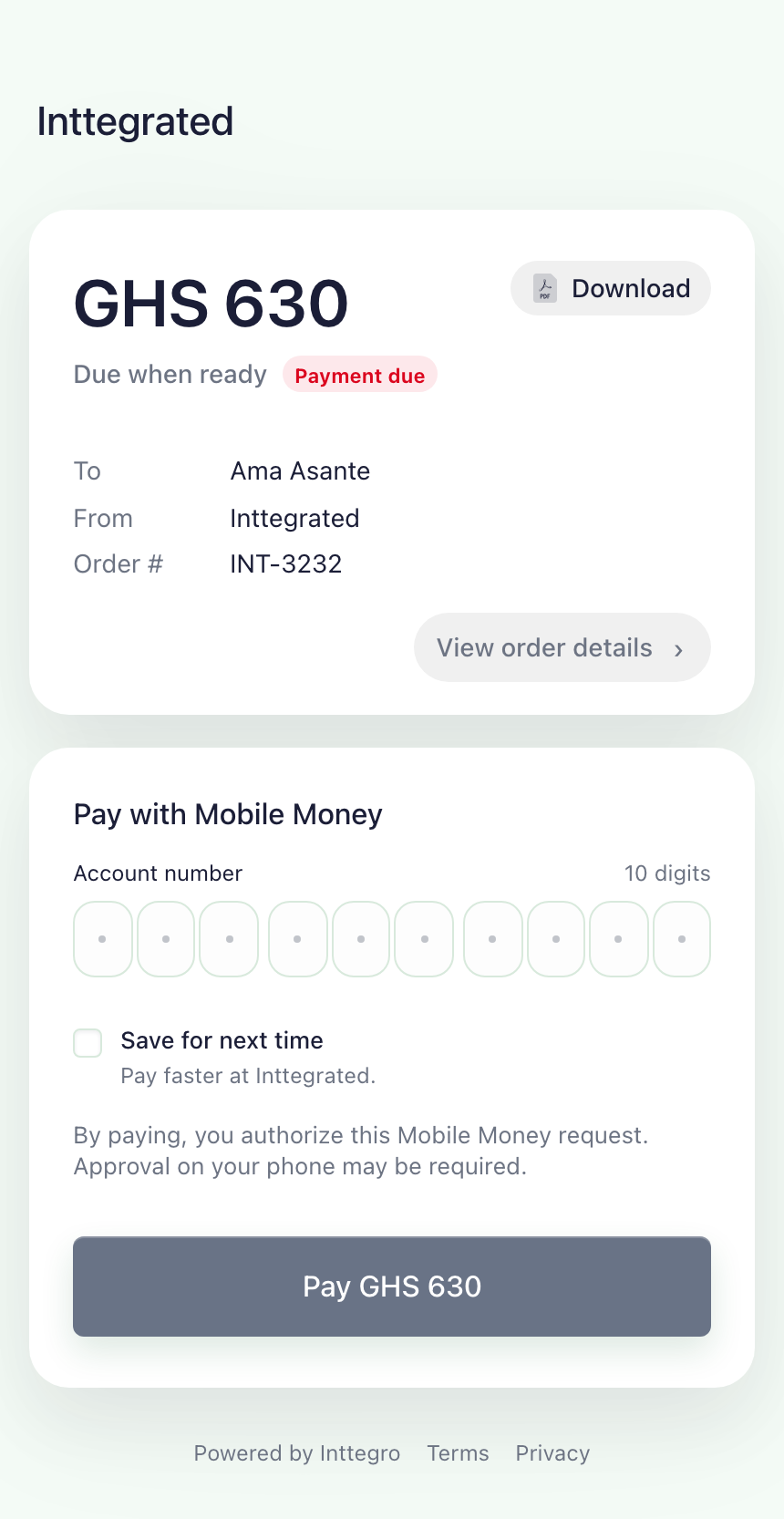
Share a hosted invoice, embed Checkout in your website or use native mobile SDKs in your app. Manage payments in Inttegro or through the API, with each attempt and outcome connected to its order.
Start accepting payments for freeCollect payment for a service, a customer order or a sale agreed by email. Share the order’s hosted invoice so your customer can review the line items and pay online—without your team building a payment form.
Explore hosted CheckoutMobile SDKs are publicly available and currently support mobile money.
Payment operations
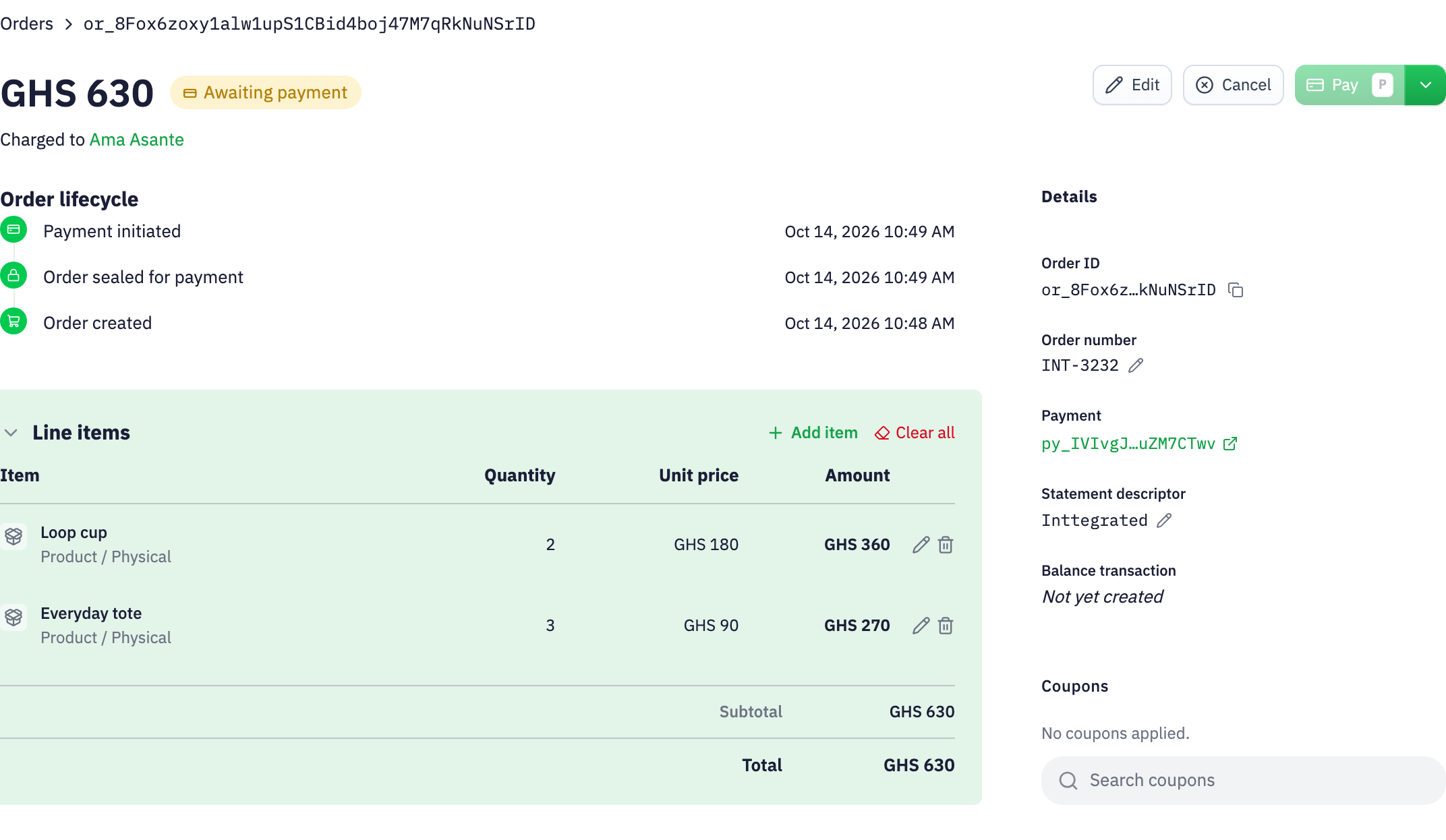
See who is paying, what they are buying and whether the order still needs payment. Orders created through the API appear alongside sales your team prepares in Inttegro, giving customer service and operations the context to follow up.
Explore order management
Set the customer and items, then finalize the order when the total is ready for payment.
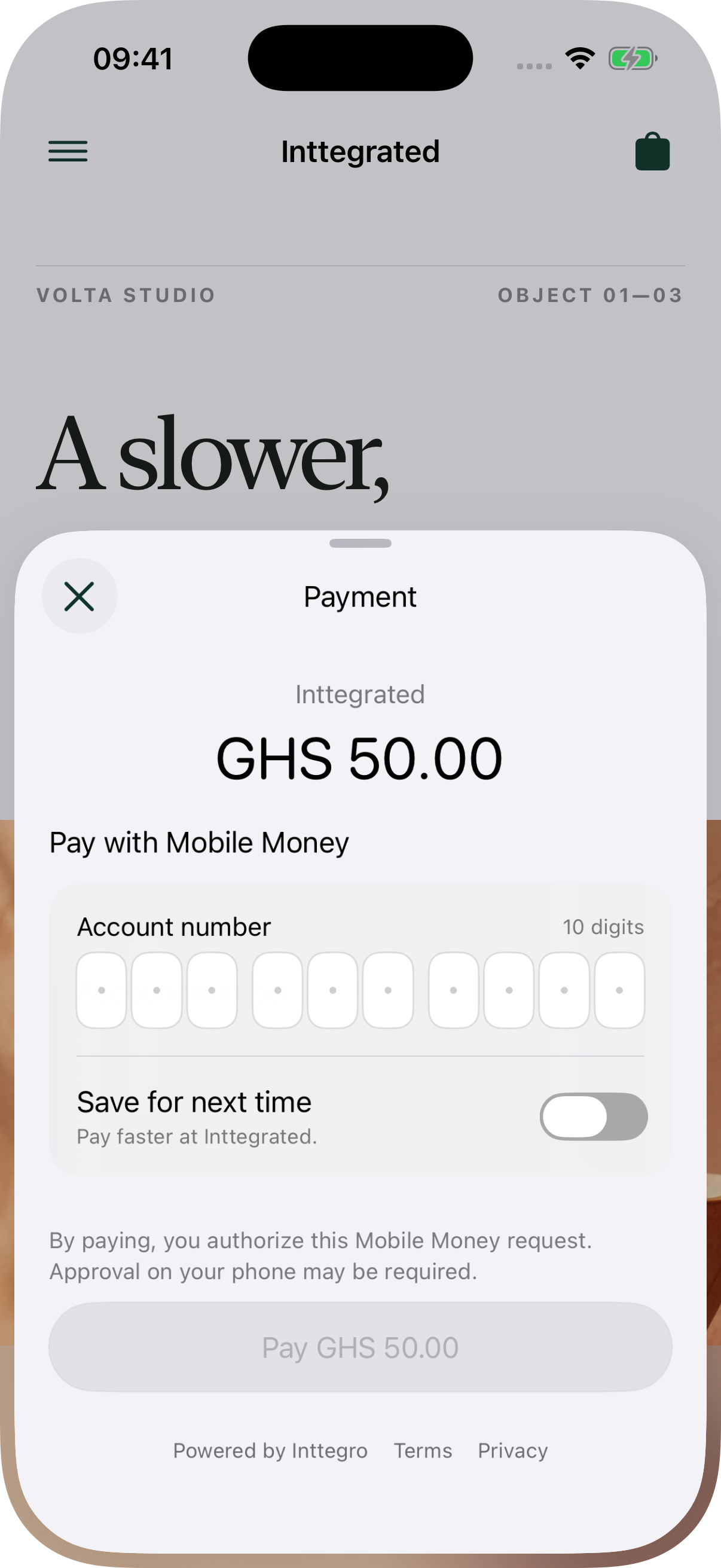
Checkout guides the customer through payment details and any required confirmation or provider approval.
Check the order in Inttegro or through the API before fulfillment. Payment and delivery remain distinct steps.
Retries & saved methods
A declined or failed attempt does not erase the sale. Your integration can retry on the same order with the attached method, another eligible saved method or new payment details. The customer and line items stay in place while each attempt records its own result.
Keep eligible payment methods with the customer for a later purchase. Checkout can present the attached method with the order amount, so the customer can review what they are about to pay. Required confirmation still applies.
Native Checkout
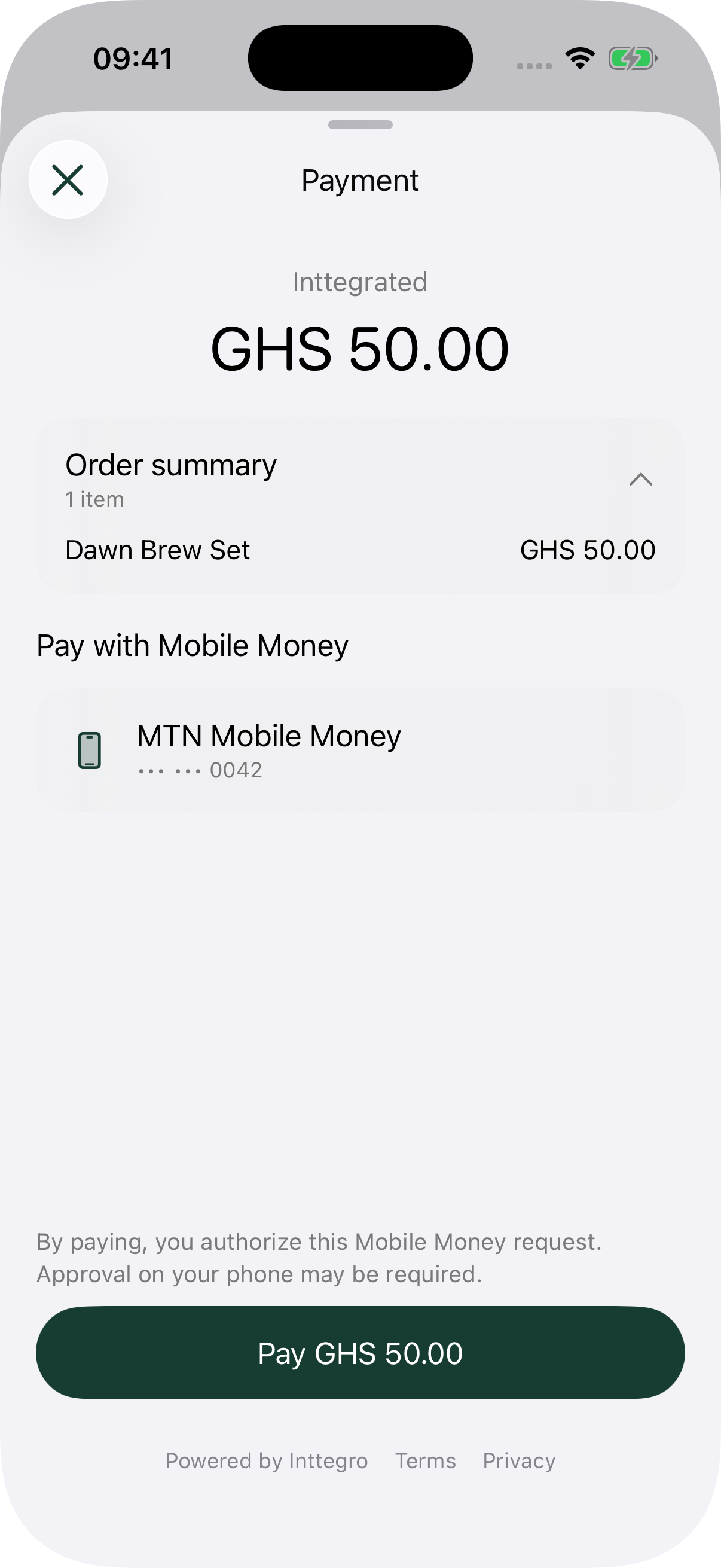
Mobile SDKs currently support mobile money.
Payment performance
Compare initiated orders with those paid or completed, and see how many remain unpaid. Use the reporting period to investigate changes before interpreting order growth as revenue.
From the dashboard, move from the trend to the underlying orders when your team needs to follow up. Your integration can retrieve those same order records for its own operational workflow.
Explore analytics
Issue an eligible full or partial refund against the paid order. Keep the reason and refund outcome connected to the original sale.
Explore refundsReview available, pending and reserved balances, then trace payouts to their destinations. Collection and payout are separate parts of the workflow.
Explore balances & payoutsYour team and your integration
Start with hosted invoices for sales your team manages, or integrate payment into your product. Both use Inttegro orders, so the people handling customer questions can inspect the same sale your application created.
Payments
Not for hosted invoices. Your team can prepare an order in Inttegro and share its hosted payment page. Developers are needed when you want to create orders programmatically or put Checkout inside your own website or app. Payment activation depends on your account setup.
The experiences shown here use mobile money. Available methods and confirmation requirements depend on your account and market. Native mobile SDKs are publicly available and currently support mobile money, not cards, Apple Pay or Google Pay. Check availability for your business before planning your integration.
The order remains available. Your integration can start another payment attempt on that order with the attached method, another eligible saved method or new payment details. Each attempt has its own outcome and may require fresh customer confirmation.
Yes, when the method is eligible for reuse and belongs to that customer. Saving a method does not charge it or authorize future payments; a later attempt may still require customer confirmation. Your integration can manage saved methods through the Payment Methods API.
Look up the order’s recorded payment state on your backend before releasing goods or providing a service. Checkout events help update your interface, but a redirect or completed UI flow is not by itself payment confirmation. A paid order and a fulfilled order remain separate states.
Eligible full or partial refunds remain linked to the original order. Use balances and transaction records to reconcile money movements, and payouts to follow funds sent to a configured destination. These are separate operations from collecting the customer’s payment.