
Sell with a Buy Link.
Share a Buy Link in the chat. Your customer reviews the item, pays, and the order appears in Inttegro.
Create a Buy LinkOnline selling and payments in Ghana
Launch a Shop, share a Buy Link, send an invoice, or bring Checkout into your own website or app. Inttegro keeps the product, payment, order, customer, and payout connected from one dashboard.
Start selling onlineSee how Inttegro works
Start with a Buy Link or hosted invoice. Add a Shop when customers need to browse, or use Checkout in your existing website or app.
Share a Buy Link in the chat. Your customer reviews the item, pays, and the order appears in Inttegro.
Create a Buy Link
Add the customer, service, and price to an order. Send the hosted invoice and see when the payment is confirmed.
Send a hosted invoice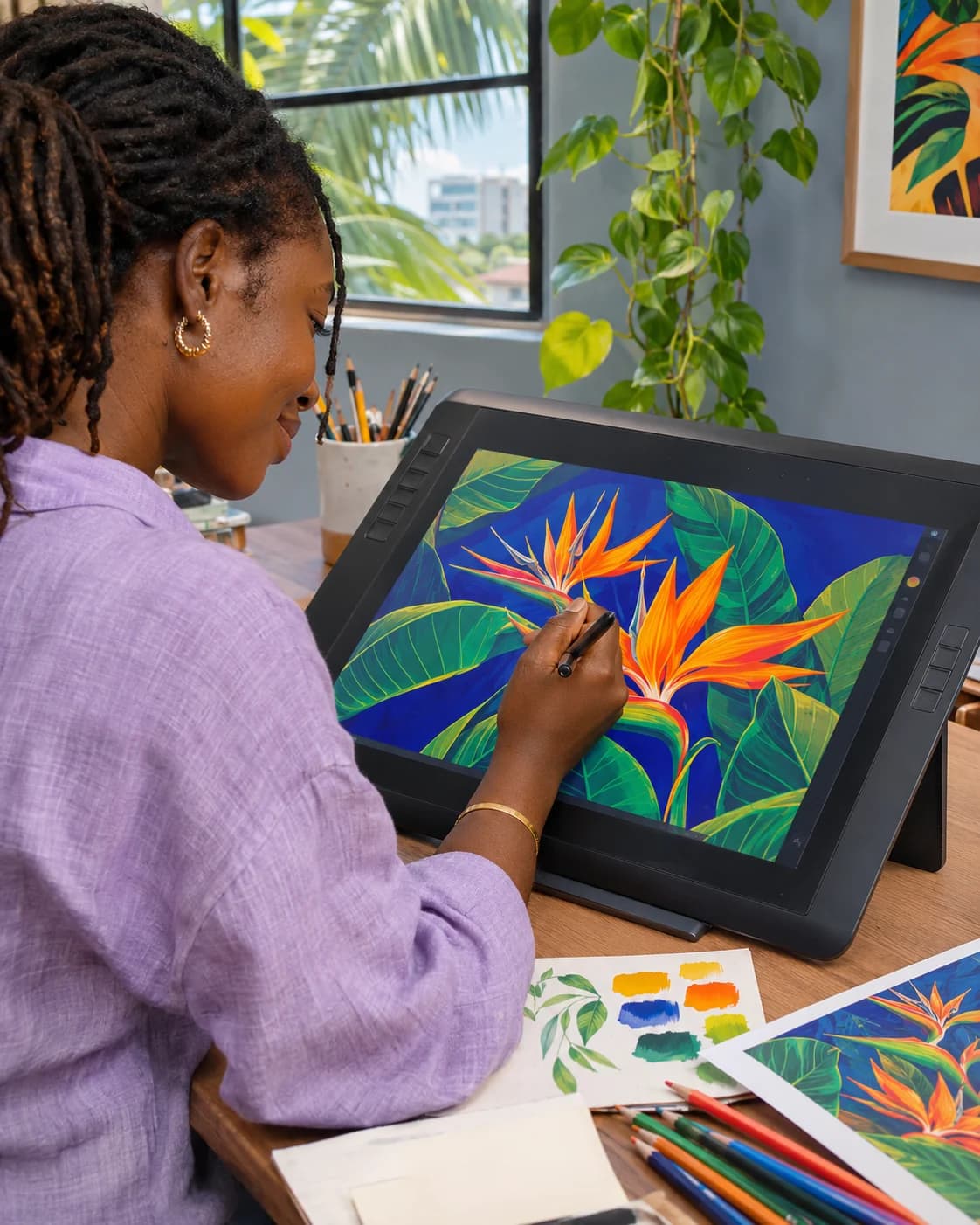
Publish physical products, digital goods, or services. Customers browse the range, choose what they want, and pay online.
Open your online ShopFour ways to sell
Publish products and collections in a storefront you can share on your included address or your own domain.
Choose the exact product and price, then share a hosted offer that turns interest into an order.
Keep the customer, items, and amount together in an invoice they can review and pay from their phone.
Build the surrounding experience yourself while Inttegro handles the hosted payment step and connected order.
One order, ready for payment
Invoice INT-3232
Payment dueDue when ready
The products, customer, and amount stay together.
Ghana Mobile Money
Offer eligible GHS payments through MTN Mobile Money, Telecel Cash, or AirtelTigo Money in an Inttegro-hosted checkout.
 MTN Mobile Money
 Telecel Cash
 AirtelTigo Money
They see what they are buying, the amount due, and the business receiving the payment.
The customer enters their Mobile Money number and follows the wallet’s approval step.
Inttegro updates the payment state on the order. Fulfil only after the payment is confirmed.
Available methods depend on the account and transaction. Inttegro does not currently support cards, Apple Pay, or Google Pay.
Explore mobile moneyOne connected sale
A payment should not disappear into a gateway. Inttegro keeps it attached to the order, customer, fulfilment, balance, and payout so your team can act on the same record.
Explore Orders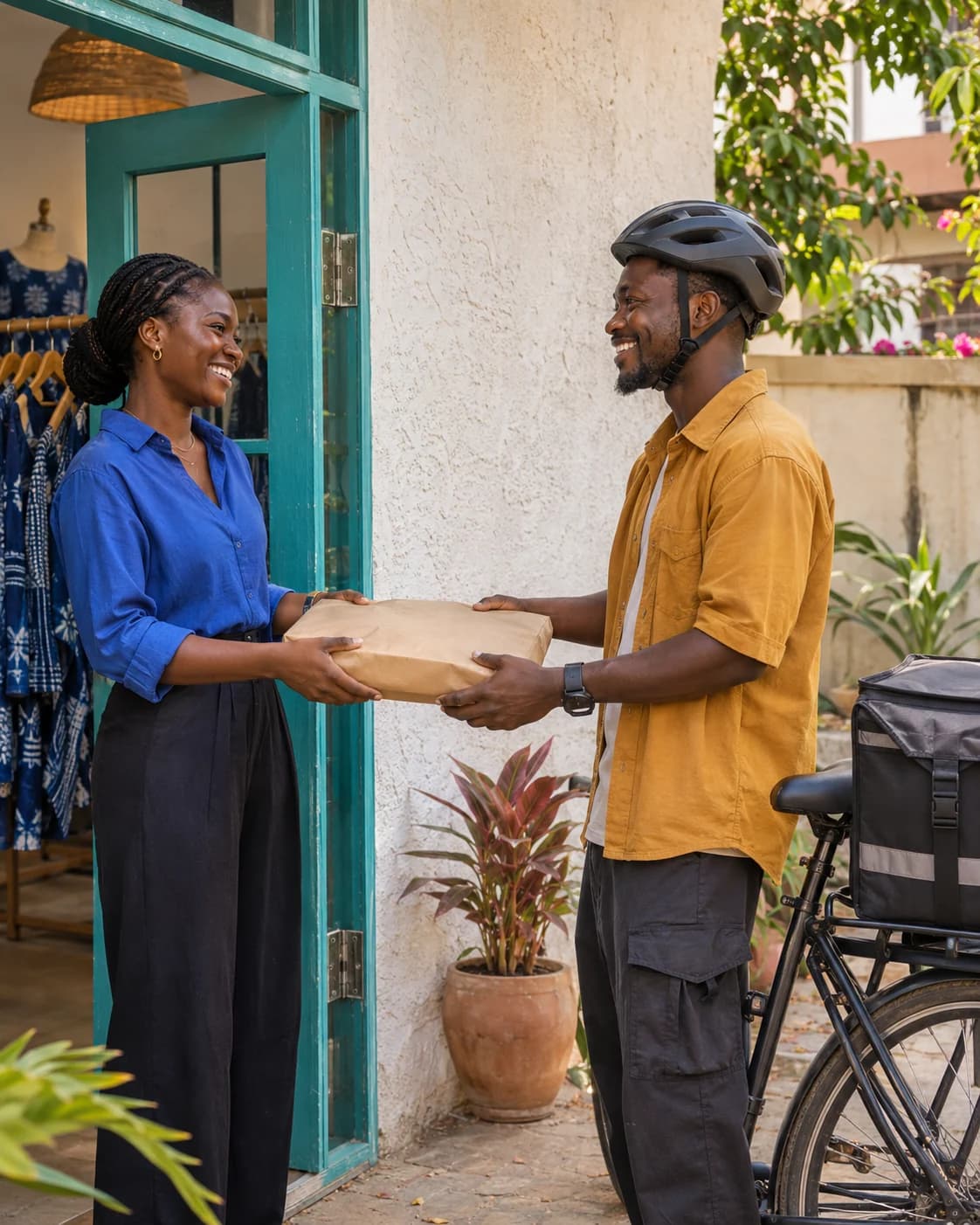
Payment status, attached to the order
Charged to Ama Asante
Wait for payment confirmation before fulfilment.
Find their contact details and previous orders when they ask for another size, another session, or something new.
Explore CustomersSee what is pending, available, or reserved, then send eligible funds to a supported bank account or wallet.
Balances and payoutsReturn an eligible payment from the connected order instead of piecing the transaction back together.
Explore RefundsOne rate for the full suite
The 2% rate covers Inttegro’s entire commerce suite. No account or service fees. Payout fees are included.
See everything that is includedwhen a customer pays
Payout fees are included. Refunds are charged at 2%.Inttegro supports eligible MTN Mobile Money, Telecel Cash, and AirtelTigo Money payments. Cards, Apple Pay, and Google Pay are not available yet. Enabled methods can depend on the account and transaction.
No. You can publish an Inttegro Shop, share a Buy Link, or send a hosted invoice. Use Checkout and the APIs when you already have a web or mobile experience that should own the surrounding journey.
The standard rate is 2% when a customer pays through a supported method. The connected commerce suite and payout fees are included, with no account or service fee. Review the pricing page for current terms and refund handling.
Work from the confirmed payment state on the Inttegro order. A link open, checkout visit, or initiated payment is not the same as a paid sale, so do not fulfil only from the customer's message or screenshot.
Explore by selling path
By Inttegro · Updated

Add a product, choose how customers pay, and let Inttegro keep the sale connected from checkout to payout.
Start selling online